Airtable backups. On your computer.
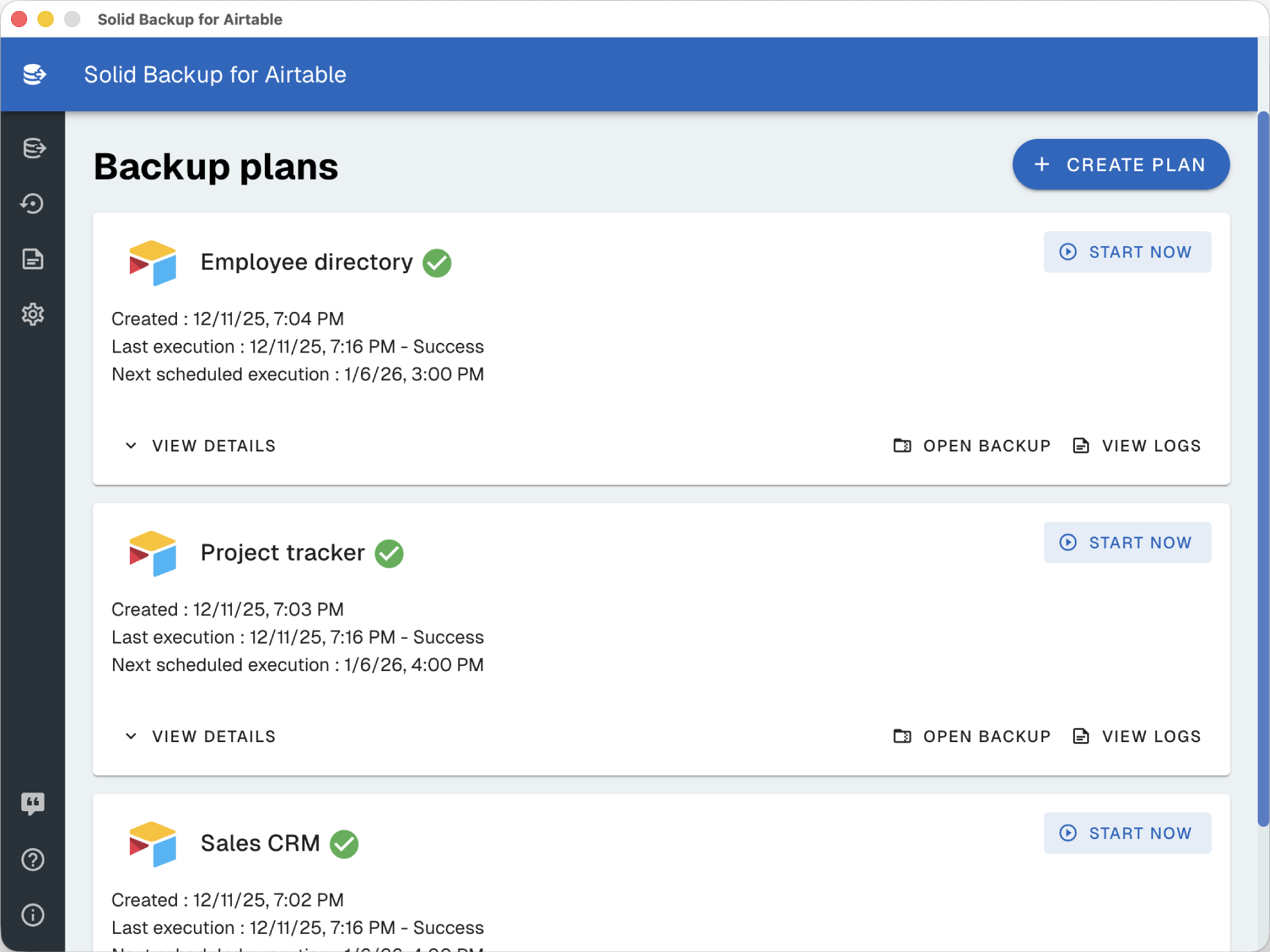
Back up Airtable to your computer, with Excel files you can read and attachments you can open. Downloads go directly from Airtable to your PC or Mac, with no intermediate Solid Backup cloud storage.
Back up Airtable to your computer
Keep an Airtable local backup in the destination you choose on your PC or Mac. Downloads go directly from Airtable to your computer, with no intermediate Solid Backup cloud storage. Solid Backup does not view or store your exported records and attachments on its servers.
Use Excel files for reports and offline reference, or CSV and JSON for other workflows. Download actual attachment files with your records, without writing a script. For archives that need password protection, enable optional AES-256 encryption via 7-Zip.
Build a backup routine you can check
- Choose the data. Connect Airtable and select the bases you want to back up. Confirm the account has access to the records and attachments you need.
- Choose a destination. Save to a folder on your computer with enough space for both records and attachment files.
- Choose a schedule. Run daily for frequently changing data, weekly for regular reporting, or monthly for a periodic archive.
- Decide on encryption. Turn on password protection for archives containing sensitive data. Store the password separately.
- Check a completed run. Review the app’s execution status, inspect the files and try a recovery with non-production data.
Your computer must be on and the app running with internet access to fetch a scheduled backup. An off or sleeping computer cannot retrieve new Airtable data. See the scheduling guide for a practical checklist.
Local backups and Airtable snapshots serve different jobs
Airtable provides snapshots within its platform, with history availability depending on the plan. Those snapshots are useful when you need Airtable’s own base-recovery features.
A Solid Backup export gives you files outside that platform, readable in Excel or other tools. You can keep both workflows. A local data export should not be treated as an exact copy of Airtable interfaces, automations, permissions or revision history.
Start with the Excel export guide if your immediate need is a spreadsheet rather than a recovery archive.
Make recovery part of the plan
Solid Backup includes restoration to Airtable. Test your intended recovery with a non-production base before you depend on it, and check the resulting records, linked values and attachments. Keep the original archive until you have verified the result.
Local storage gives you control over where the files live. It also makes your computer part of your backup plan: protect it, keep enough disk space, and maintain another copy of important archives. Encryption protects archive contents; it does not protect a single copy from disk failure.
Solid Backup is available for $9.99 as a one-time purchase on Windows and macOS. Choose your store or read how optional archive encryption works.
Sources
Snapshot context checked on October 27, 2026: Airtable: taking and restoring snapshots. Solid Backup capabilities are described by the product team.